
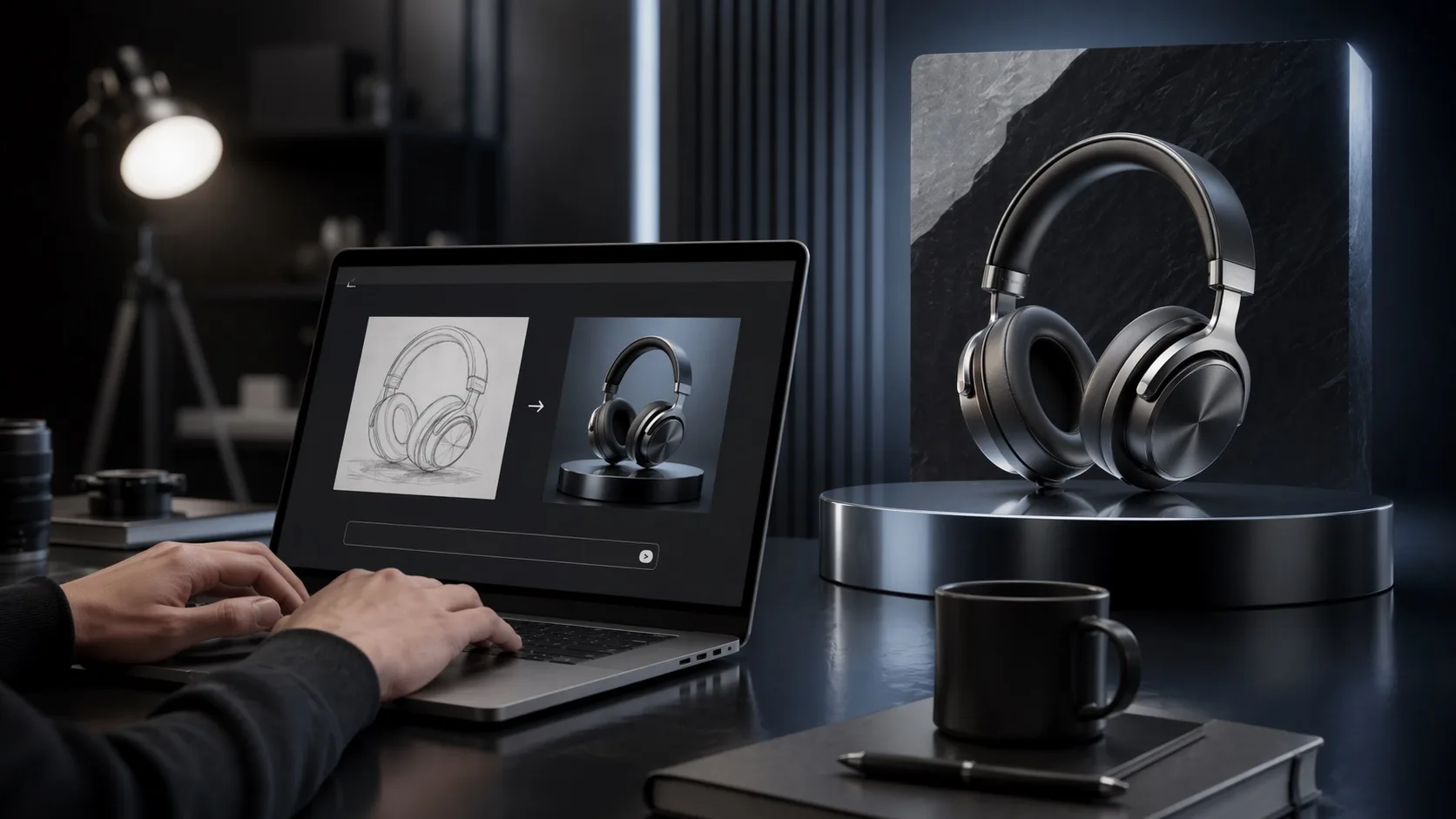
Text-to-image in one browser flow
Start from a prompt and move quickly from rough idea to polished image without switching between separate playgrounds or edit tools.
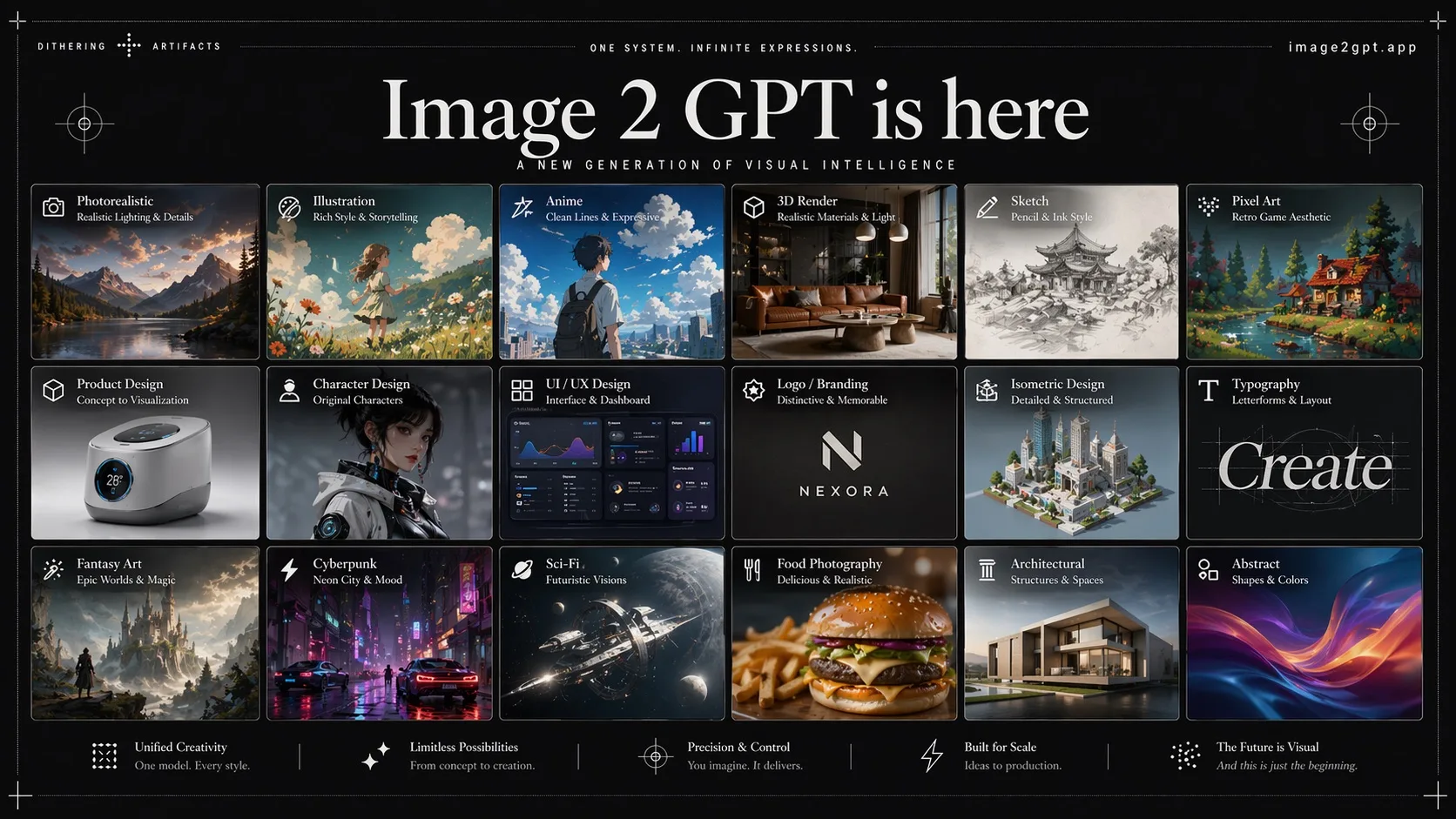
The homepage is organized around the official workflow: prompt-driven generation, image-based editing, flexible size controls, and fast browser testing.
Start from a prompt and move quickly from rough idea to polished image without switching between separate playgrounds or edit tools.
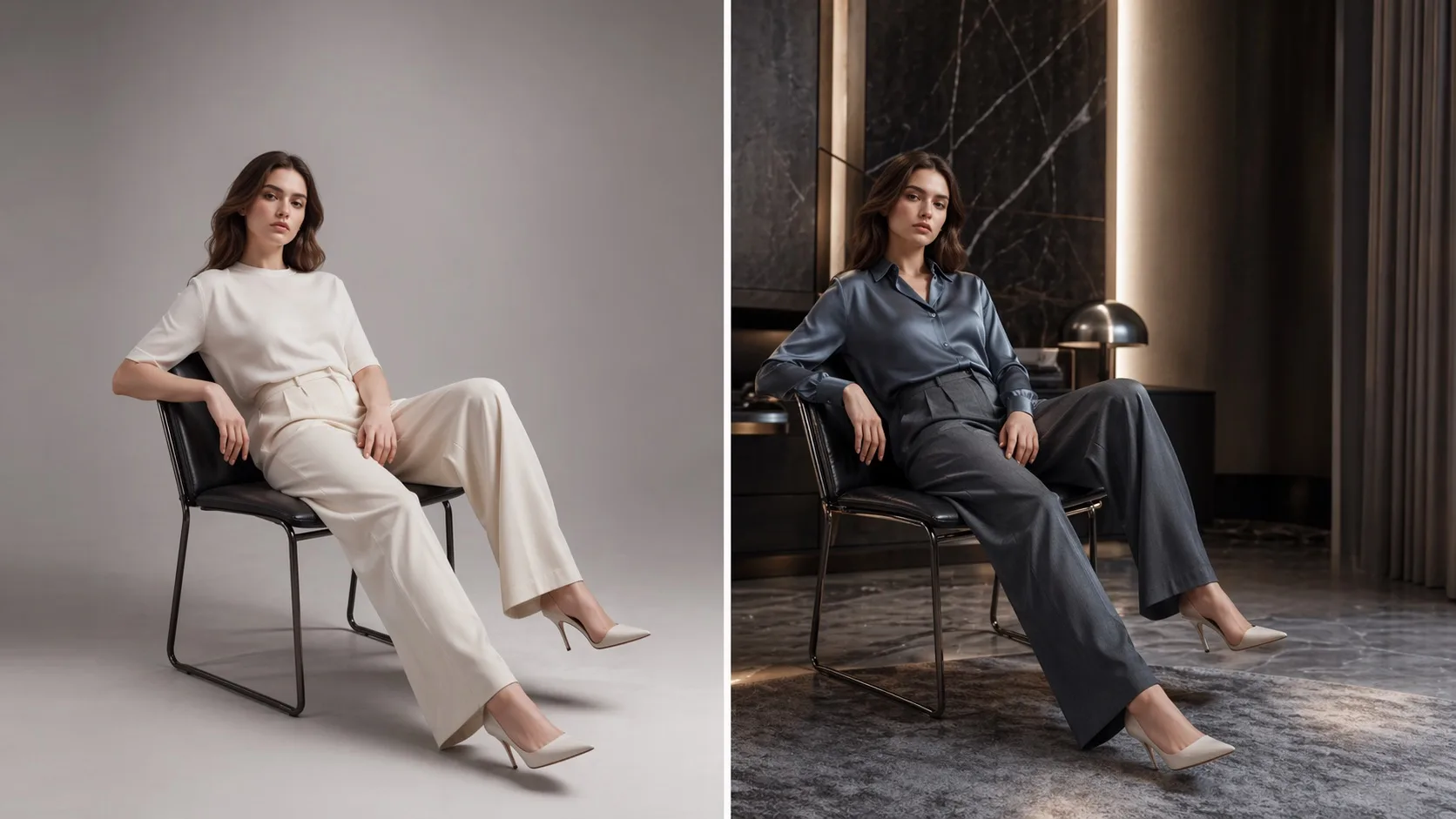
Use input images as references for edits and variations, which matches the model's workflow for generating from both text and image inputs.
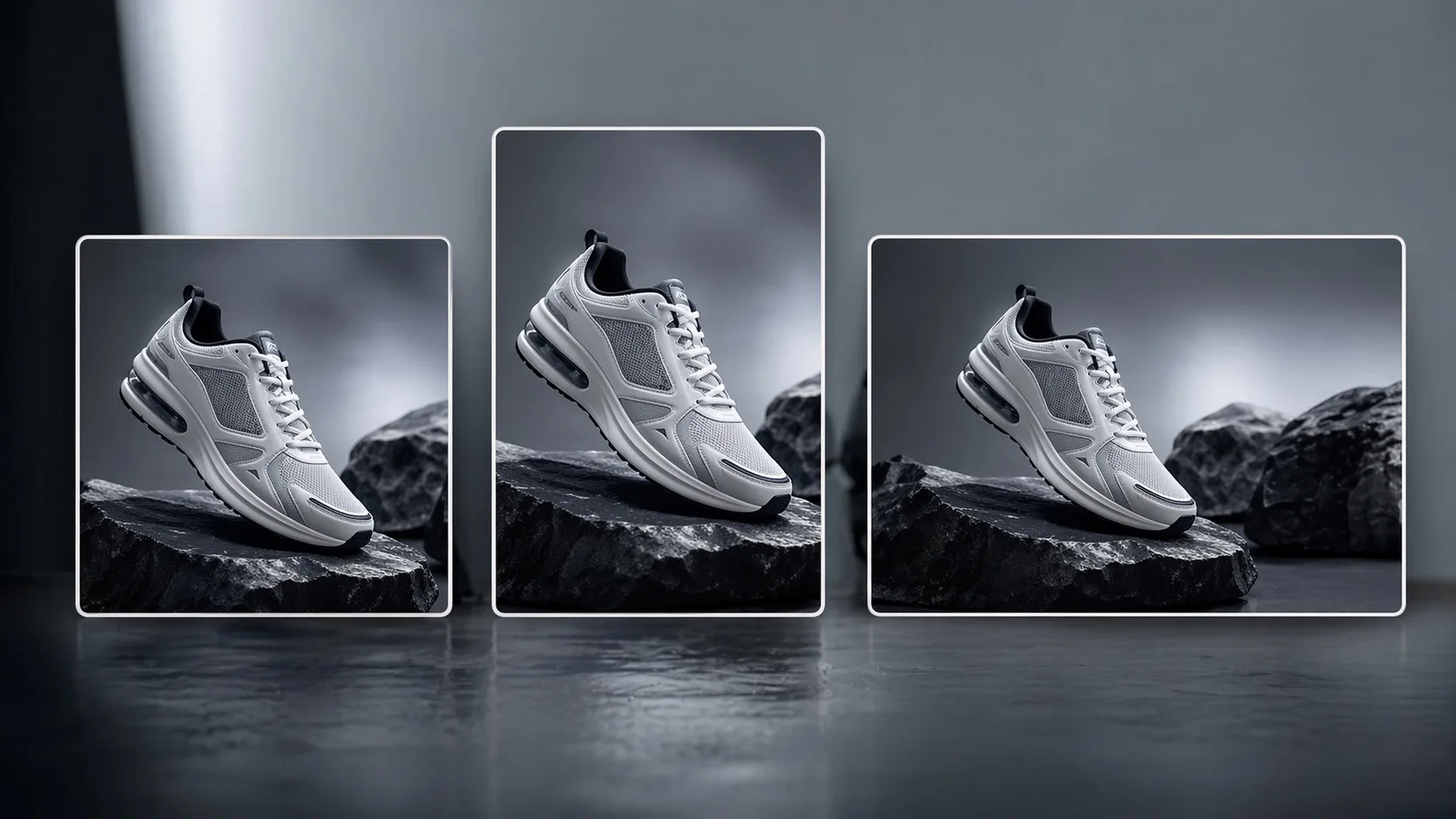
Test square, portrait, or landscape outputs and move between draft-friendly sizes and higher-resolution exports in the same interface.
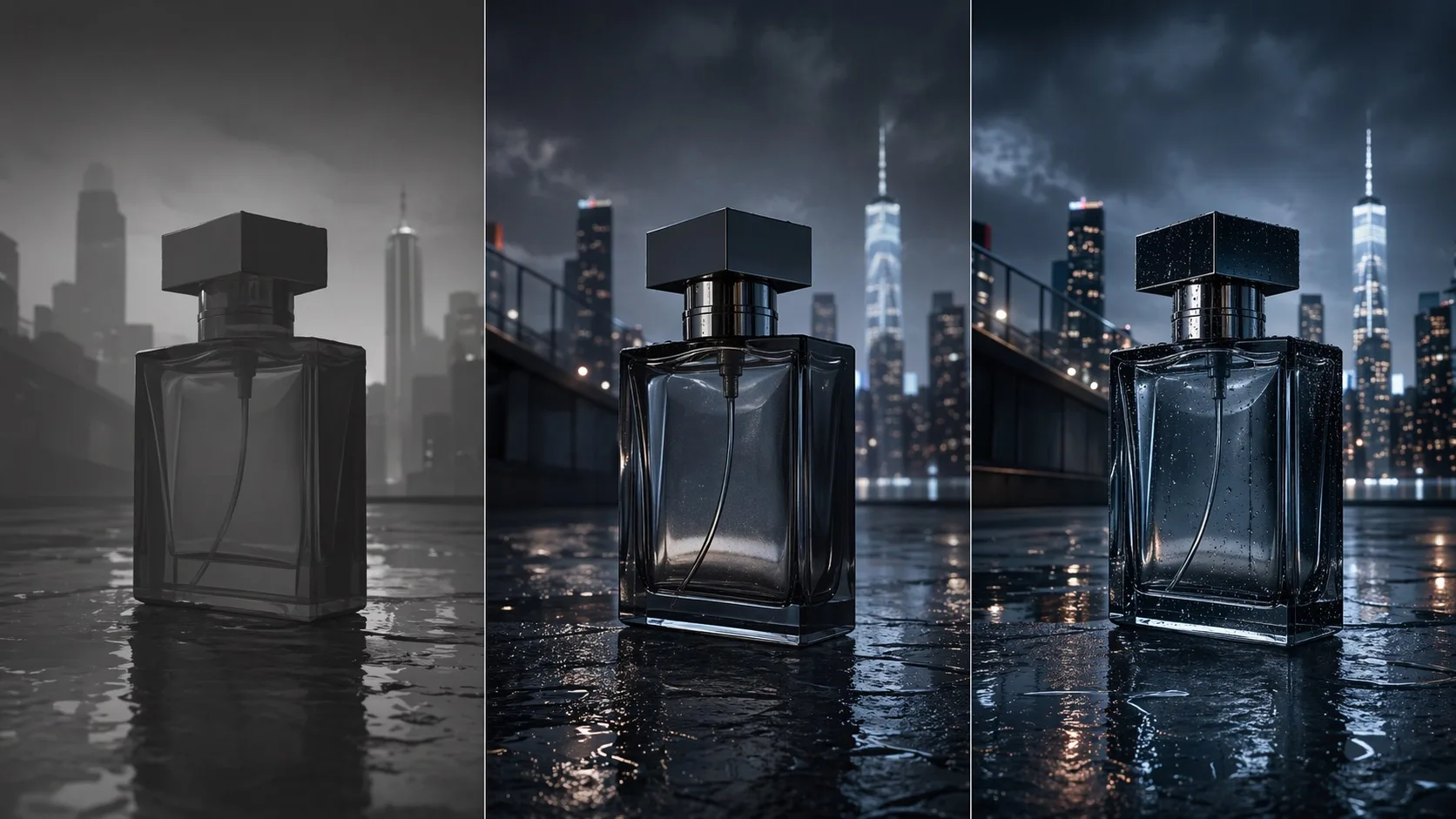
Use faster low-quality generations for iteration and switch to stronger output settings when you are ready for delivery assets.
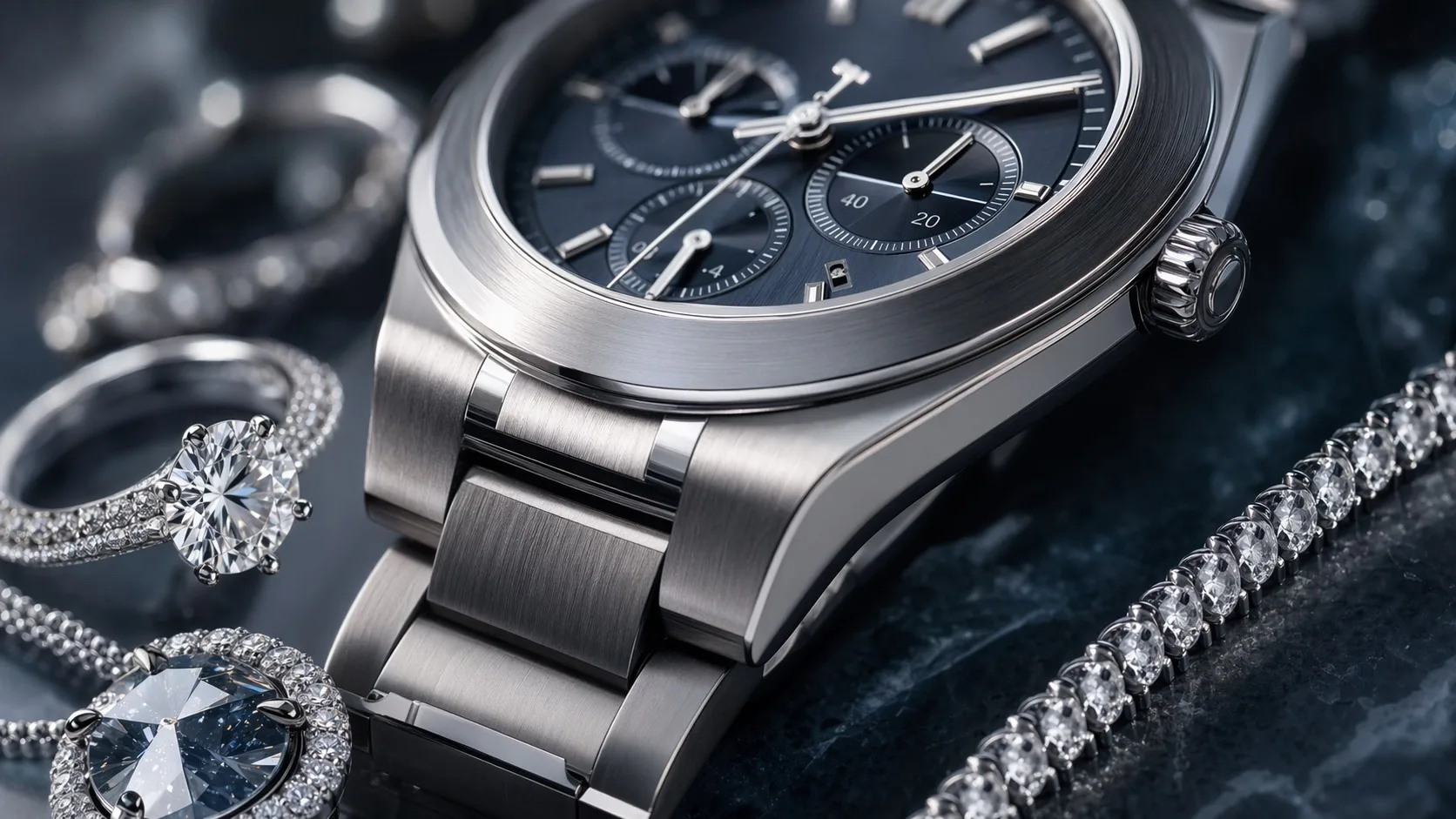
When you edit from a reference image, the workflow stays focused on preserving useful image detail so revisions remain grounded in the original input.
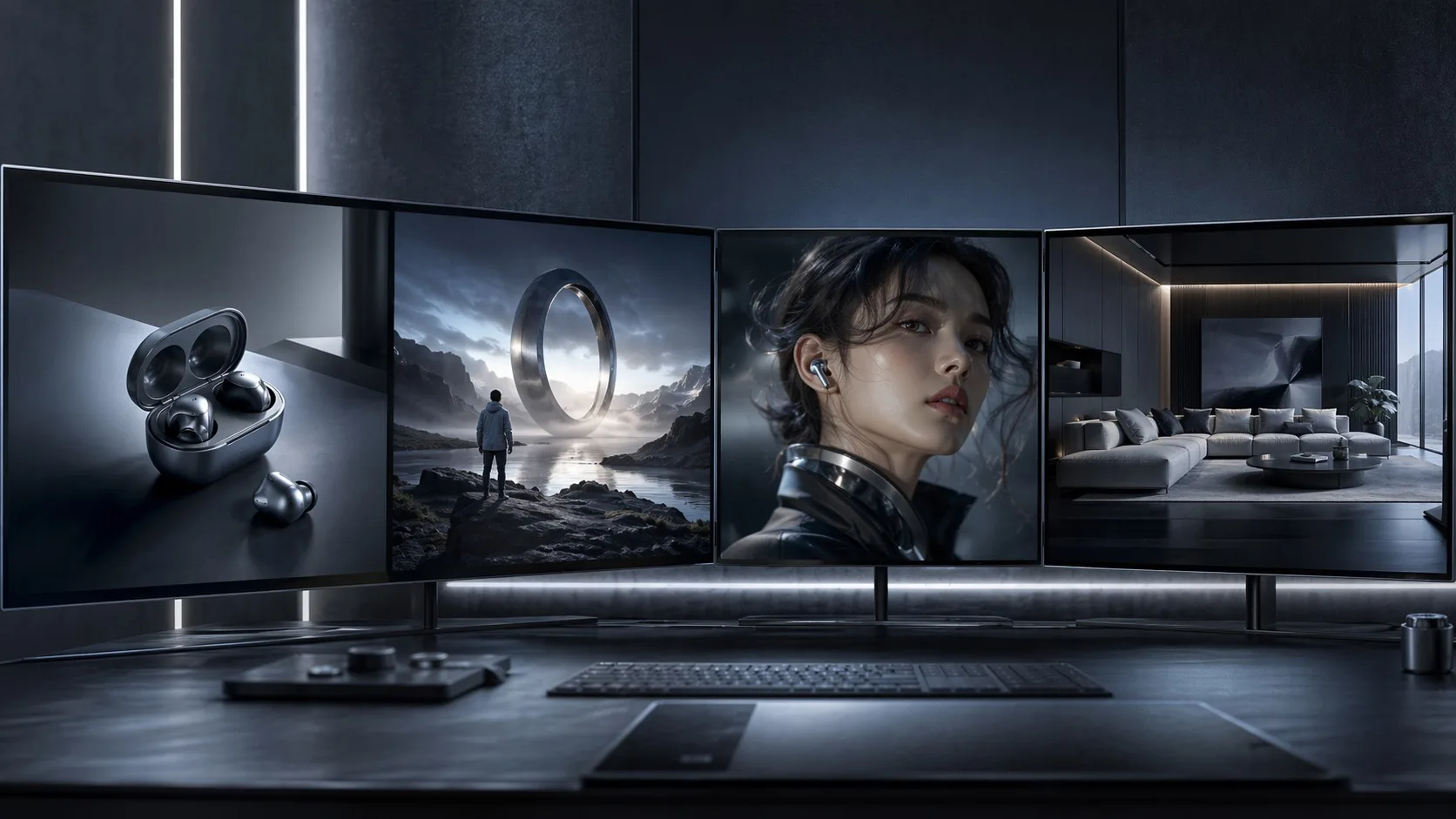
Image2GPT is an independent site built around official model capabilities, while also keeping alternative model pages like GPT Image 2 for broader choice.
Prompt
9:16 vertical — a 3x3 grid collage (nine images) forming a Korean idol portrait photoshoot series. Each frame features the same young Korean female idol, maintaining 100% consistency in facial features, proportions, hairstyle, and identity across all nine shots. Natural, ultra-realistic skin texture, no retouching, no smoothing. Clean idol-style minimal makeup, soft glow, subtle imperfections. Hair: long, voluminous dark hair, slightly tousled, consistent across all frames. Outfit: cohesive Korean idol photoshoot styling — white shirt + short bottoms, same outfit across all frames. Setting: minimal studio or simple indoor environment, plain wall, soft window light, clean background. Lighting: soft diffused natural light, gentle highlights, low contrast, subtle film-like softness. Frame breakdown (3x3 grid): Top row — standing naturally looking slightly away / facing camera casual mid-motion / slight side angle soft gaze. Middle row — looking slightly upward / close-up direct eye contact gentle smile / turning body slightly mid-motion. Bottom row — seated or leaning casually / back partially turned looking over shoulder / standing close to frame soft expression. Mood: Korean idol photobook aesthetic, intimate, soft, natural. Quality: ultra-realistic, 8K detail, subtle analog film grain, natural imperfections, soft dreamy tone.
Prompt
Close-up of Apple Vision Pro packaging box, specular metallic reflections, clearly visible brand typography, professional studio lighting, photography studio environment, photorealistic, 8k resolution.
Prompt
iPhone 18 full lineup product photography
Prompt
A set of Tarot cards featuring F1 drivers and cars, ornate golden borders, mystical aesthetic, professional product photography, 8k.
Prompt
A high-resolution, 9:16 vertical screenshot of a live stream on Twitch (the "Rat Stand"). A female stream host, approximately 30 years old with a casual American fashion style (e.g., dyed hair, hoodie), is seen in a gaming/studio setup. She is smiling and holding up a small hand-written or digitally displayed sign that reads: "WELCOME MRBEAST". The Twitch UI elements are visible, including the purple overlay, chat messages, and a viewer count of 125K.
Prompt
Make an image, a {argument name="player" default="Marcus Rashford"} design for {argument name="team" default="inter milan"}, advanced design level, 9:16, mobile wallpaper, write "{argument name="text" default="Welcome MR14"}"
Pick the right workflow, upload references, and turn clear prompts into polished images.
Official model
gpt-image-2
Best for
Generation and editing
Use with
Text and reference images

Prompt
Sunlit product scene, warm mineral tones, clean composition, polished detail.
Reference image


Best for
Use GPT Image2 when you need polished product shots, social posts, character images, ads, thumbnails, or quick visual edits from a simple prompt.
Workflow
GPT Image2 is built for a practical loop: write a prompt, generate a draft, upload a reference, and refine the result.
Image input
Upload product, concept, or style references when the subject already exists and you want GPT Image2 to edit instead of starting over.
Best results
Use GPT Image2 when the final image needs strong detail, clean lighting, useful composition, and realistic delivery quality.
Clear prompts + good references = better results. Keep iterating to get it just right.